01
Script & Story
Turn the idea into a production-ready story direction. Refine the concept, pacing and narrative intent before spending generation credits.
Start with the tutorials →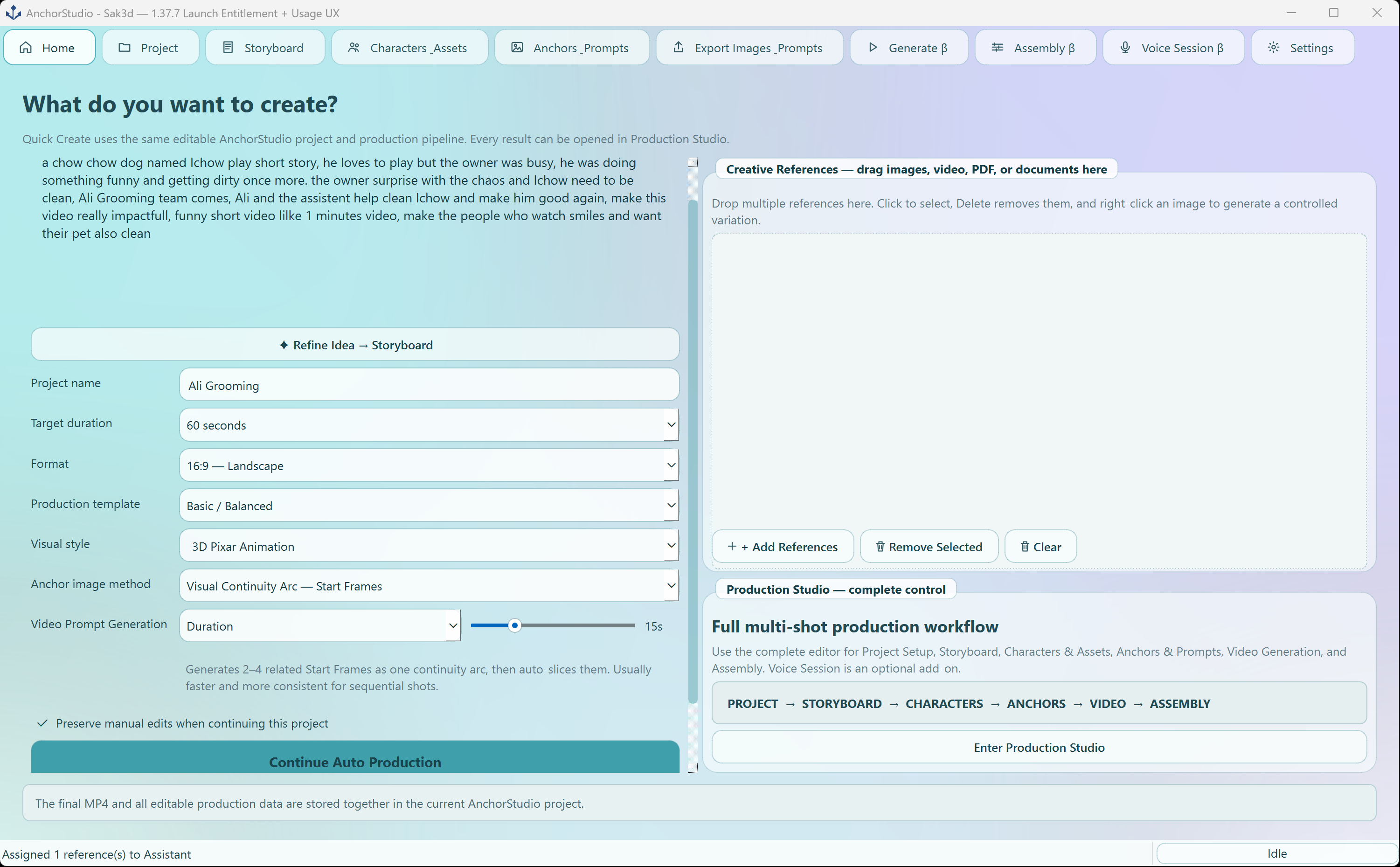 AnchorStudio · Script & Story
 AnchorStudio
AnchorStudio is designed around production continuity: each stage prepares the next, so you can change one shot without rebuilding the entire project.
Turn the idea into a production-ready story direction. Refine the concept, pacing and narrative intent before spending generation credits.
Start with the tutorials →AnchorStudio · Script & StoryBreak the story into scenes and shots. Keep dialogue, actions, timing and shot intent organized as one editable production.
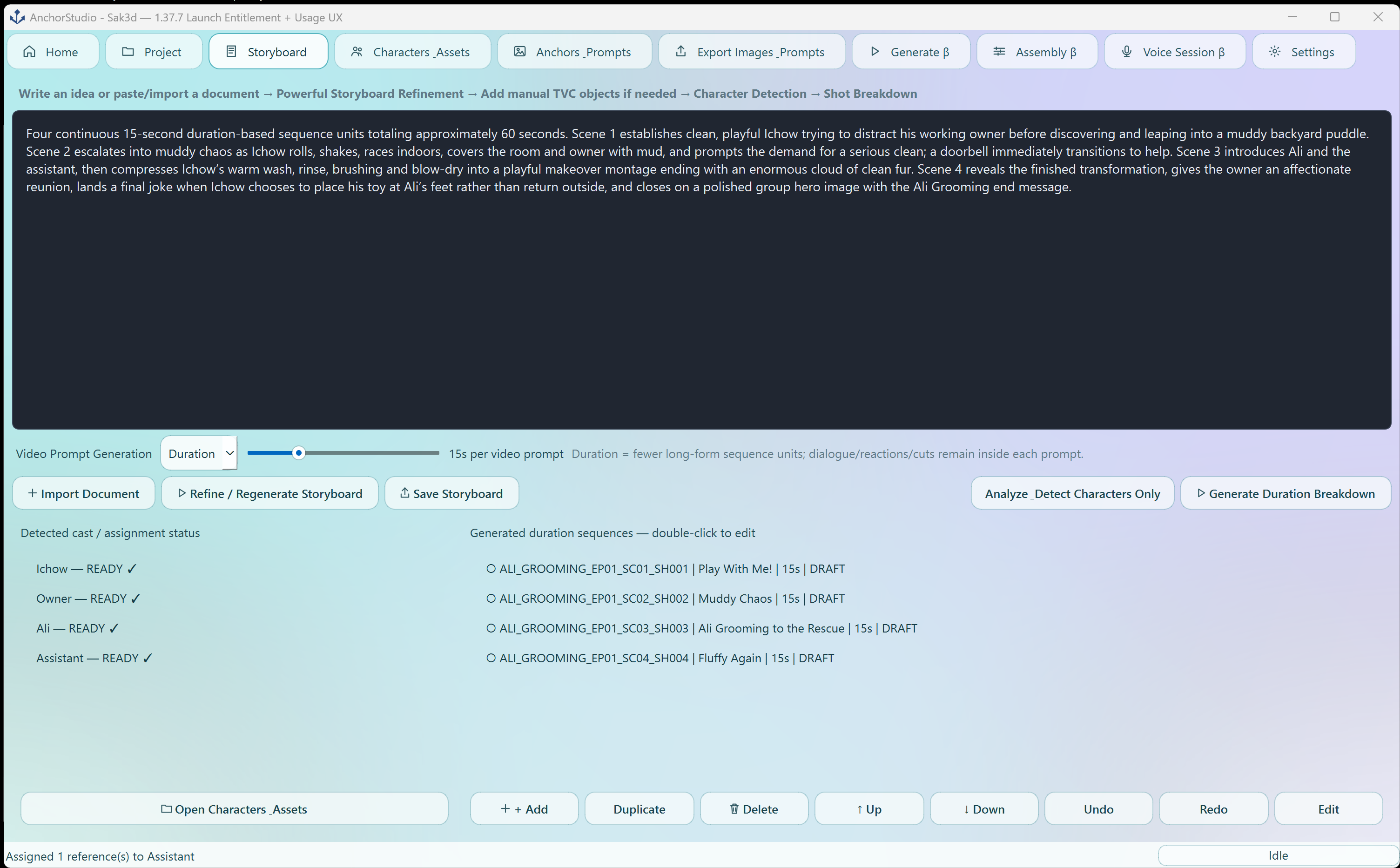 AnchorStudio · Storyboard
Build a reusable visual library for characters, props and environments so references stay connected to the project.
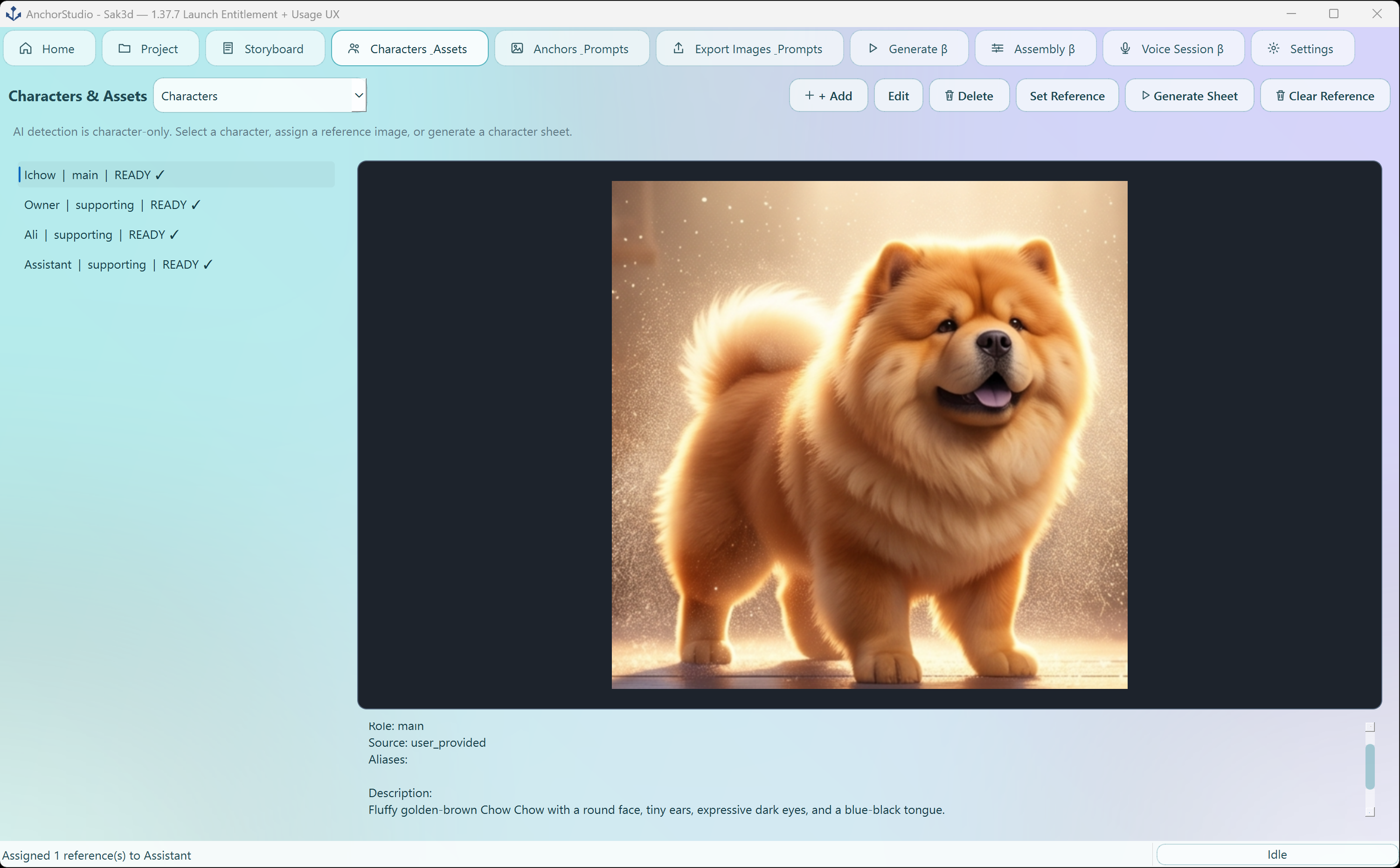 AnchorStudio · Characters & Assets
Define composition, lens language, lighting and scene direction before generation.
 AnchorStudio · Scene & Camera
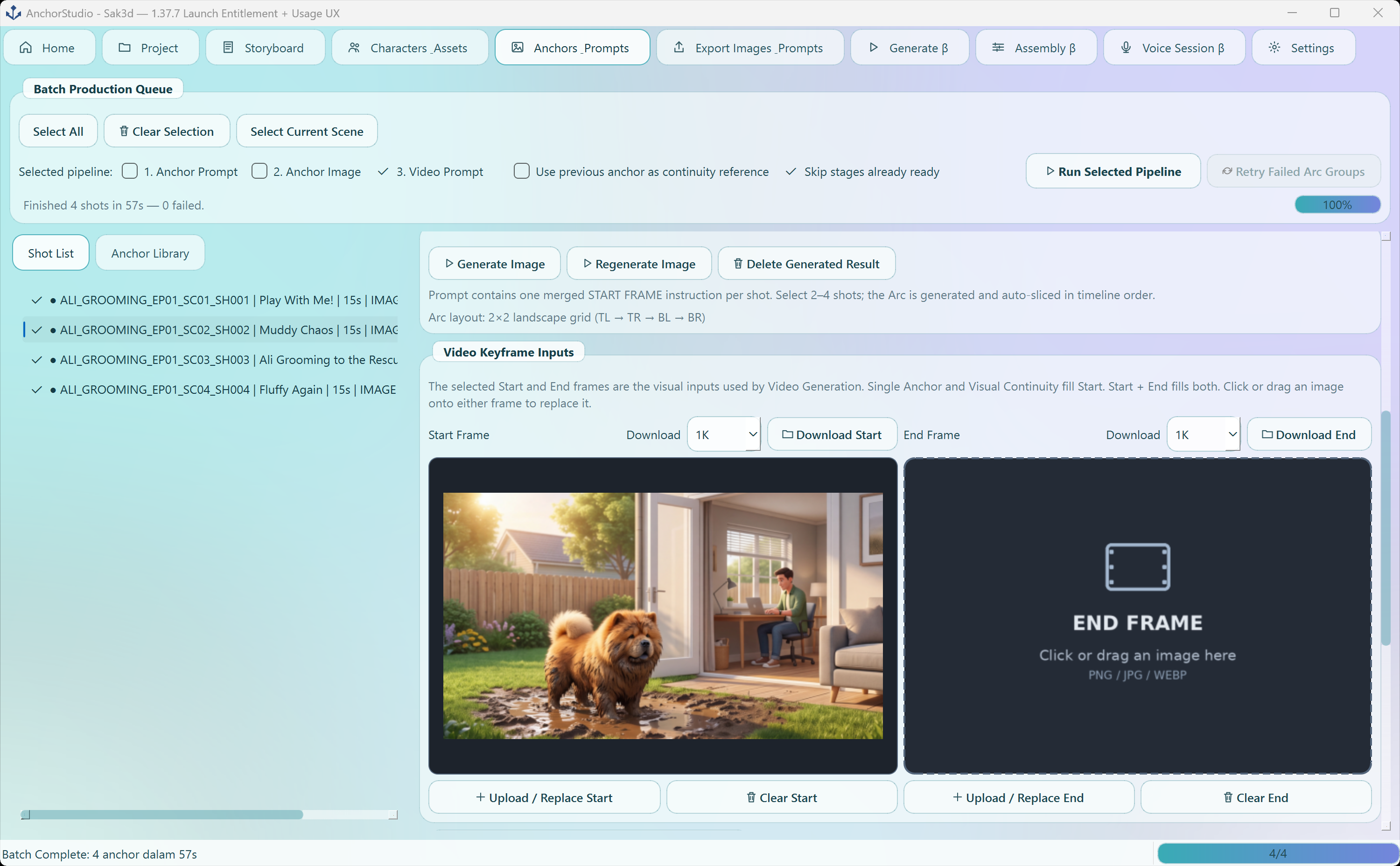
Create or approve visual anchors that give each shot a clear visual starting point and reusable continuity reference.
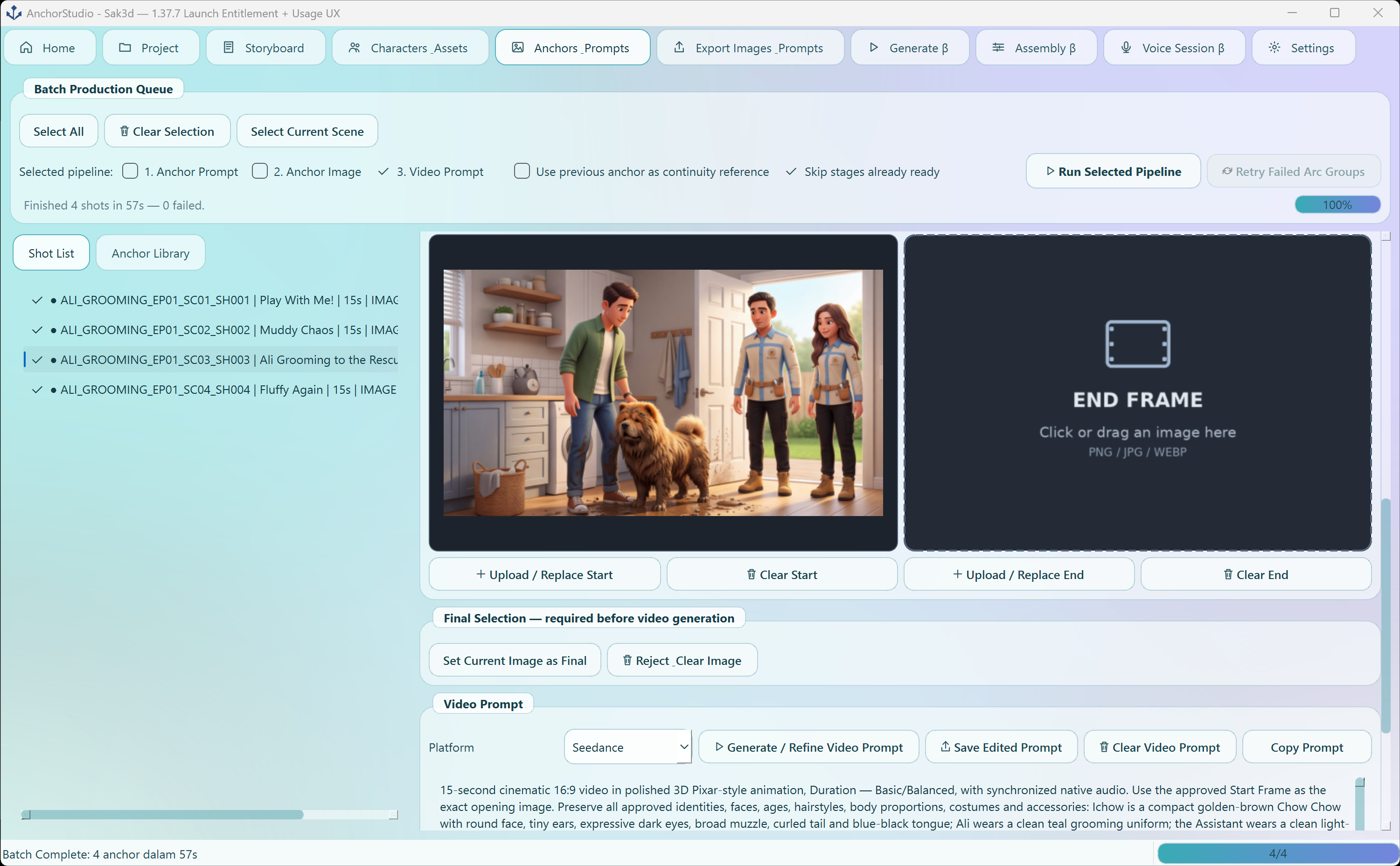 AnchorStudio · Anchor Frames
Generate and refine shot prompts from the production context instead of rebuilding every prompt from scratch.
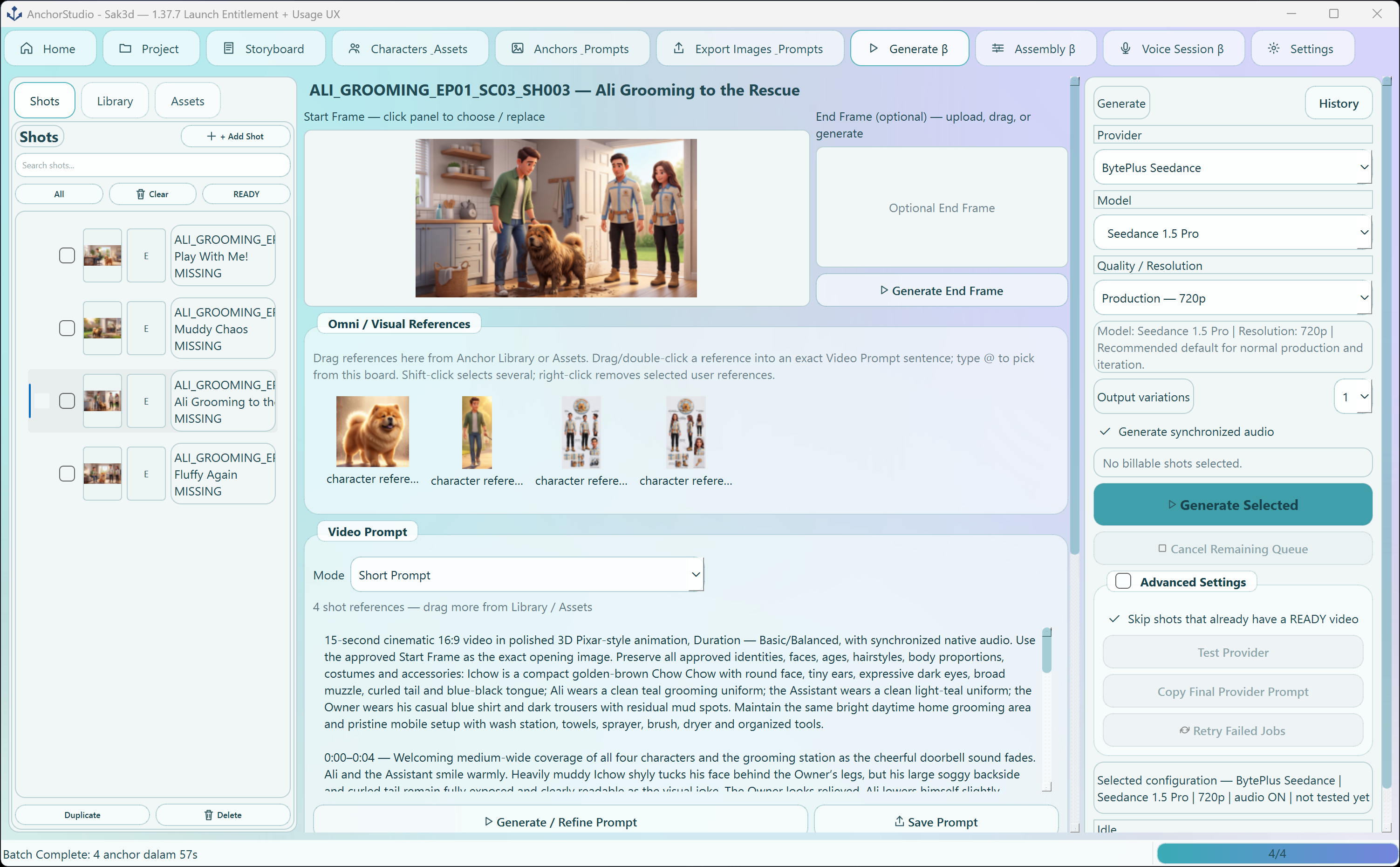 AnchorStudio · Video Prompts
Send prepared shots to supported generation providers, compare outputs and keep successful variations tied to the shot.
See supported generation providers →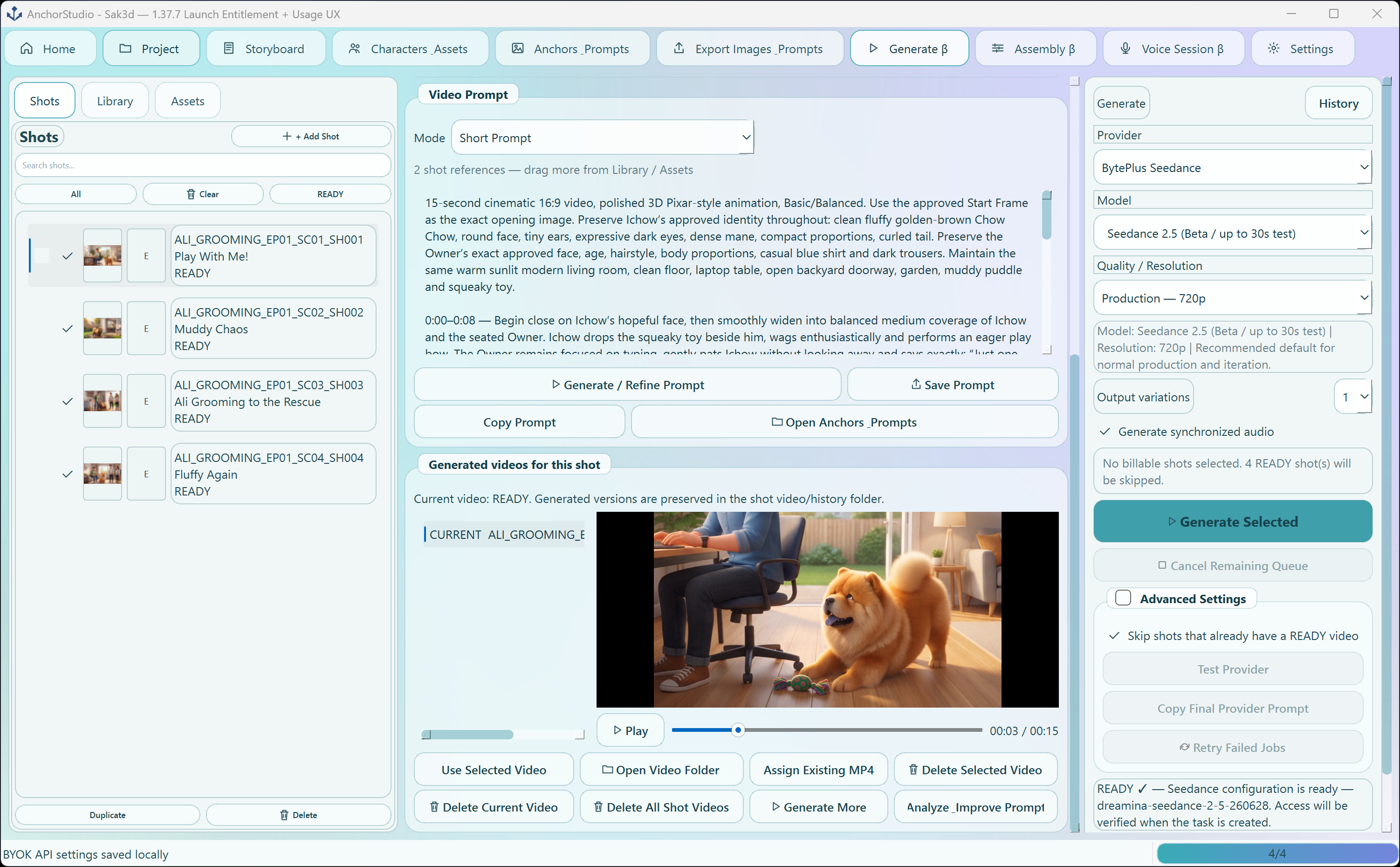 AnchorStudio · Video Generation
Bring approved clips together, trim, reorder and shape the final sequence while keeping the project editable.
Start your first project →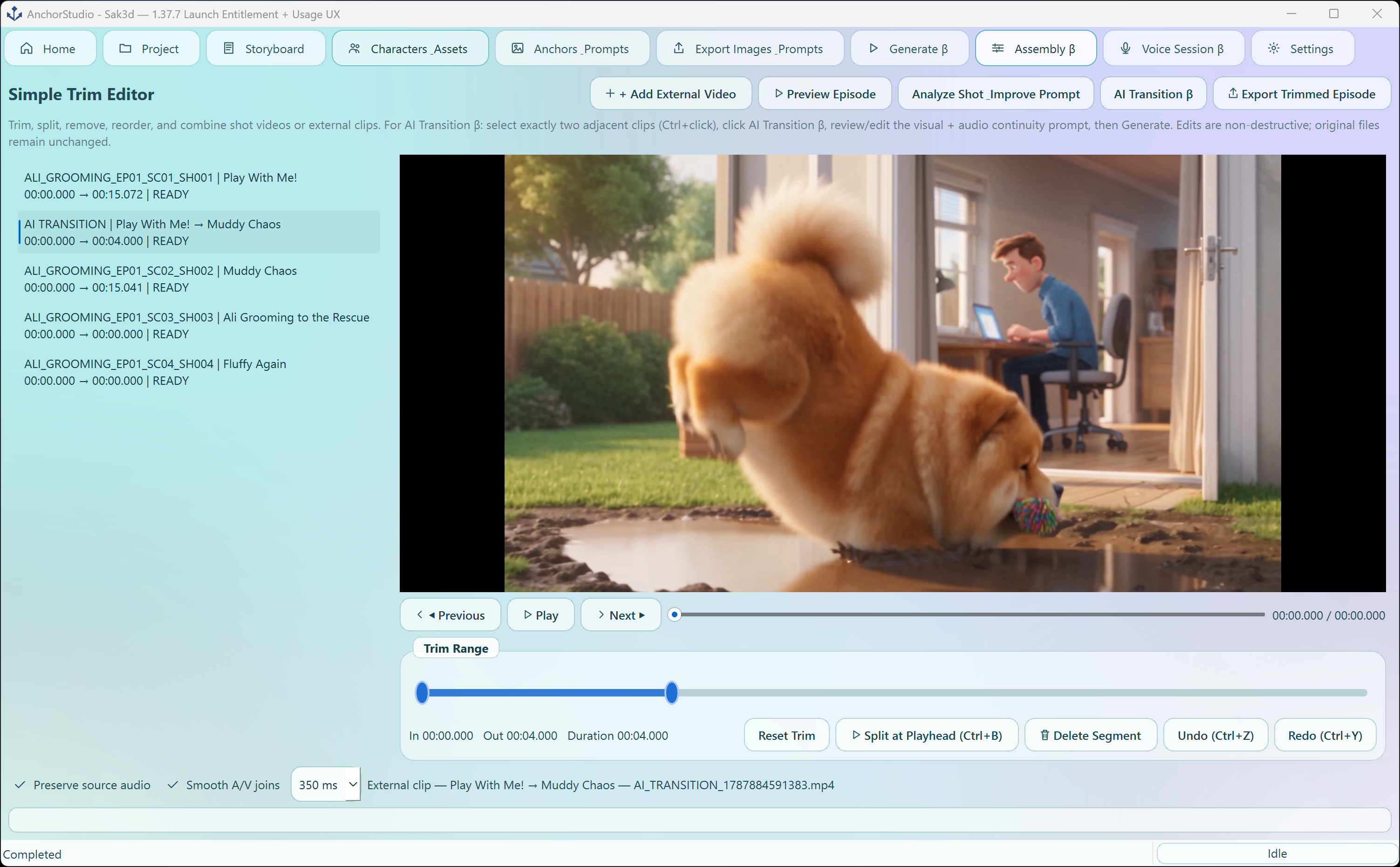 AnchorStudio · Assembly
Start free, validate the image workflow, then unlock video generation, assembly and voice when you are ready.