Go from first idea to a finished AI sequence.
Use the production workflow as your map, watch practical tutorials, connect your own generation providers, and troubleshoot without leaving the AnchorStudio ecosystem.
YouTube button is ready — set YOUTUBE_CHANNEL_URL in the web .env when the channel URL is final.
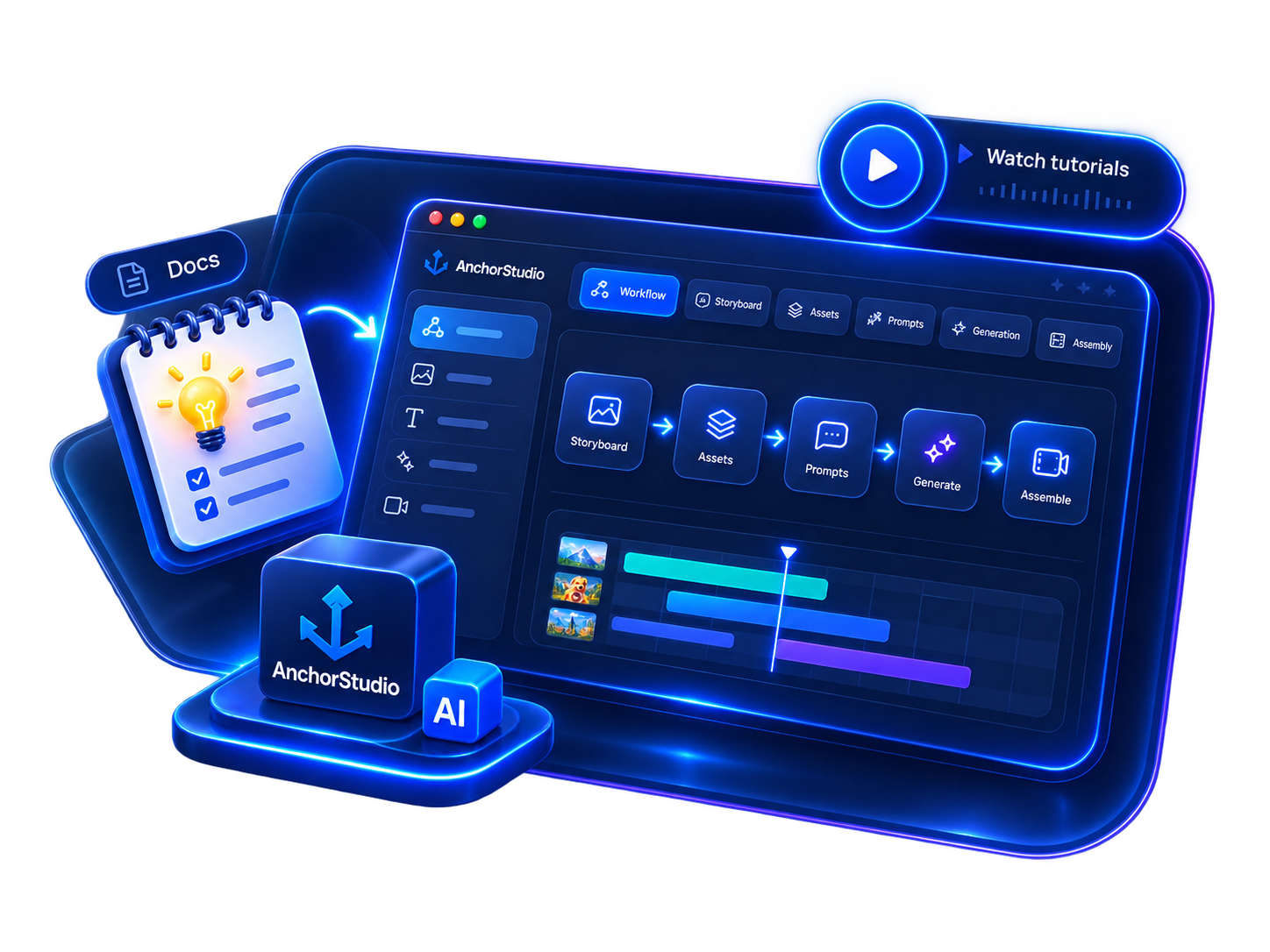
Follow the tutorials.
Install AnchorStudio, create your first project and follow real production examples on the official YouTube channel.
Open tutorial channel →Production WorkflowSee the complete pipeline.
Walk through every production stage with the actual AnchorStudio screens supplied for this release.
View workflow →BYOK ProvidersConnect the models you already use.
See the providers and model presets supported by the current desktop build, plus links to each provider's official API documentation.
Provider setup →FAQGet unstuck fast.
Accounts, Free trial, BYOK, billing, generation, project storage and common setup questions.
Read FAQ →Don't just read about the workflow. Build one.
Create a free account and take a project through AnchorStudio's image-stage evaluation before deciding whether to upgrade.